Visuals explained
Overwatch ESP vs wallhack: read the feature list clearly
Understand what boxes, skeletons, labels and visibility options describe, and why ESP and wallhack are not complete feature specifications.
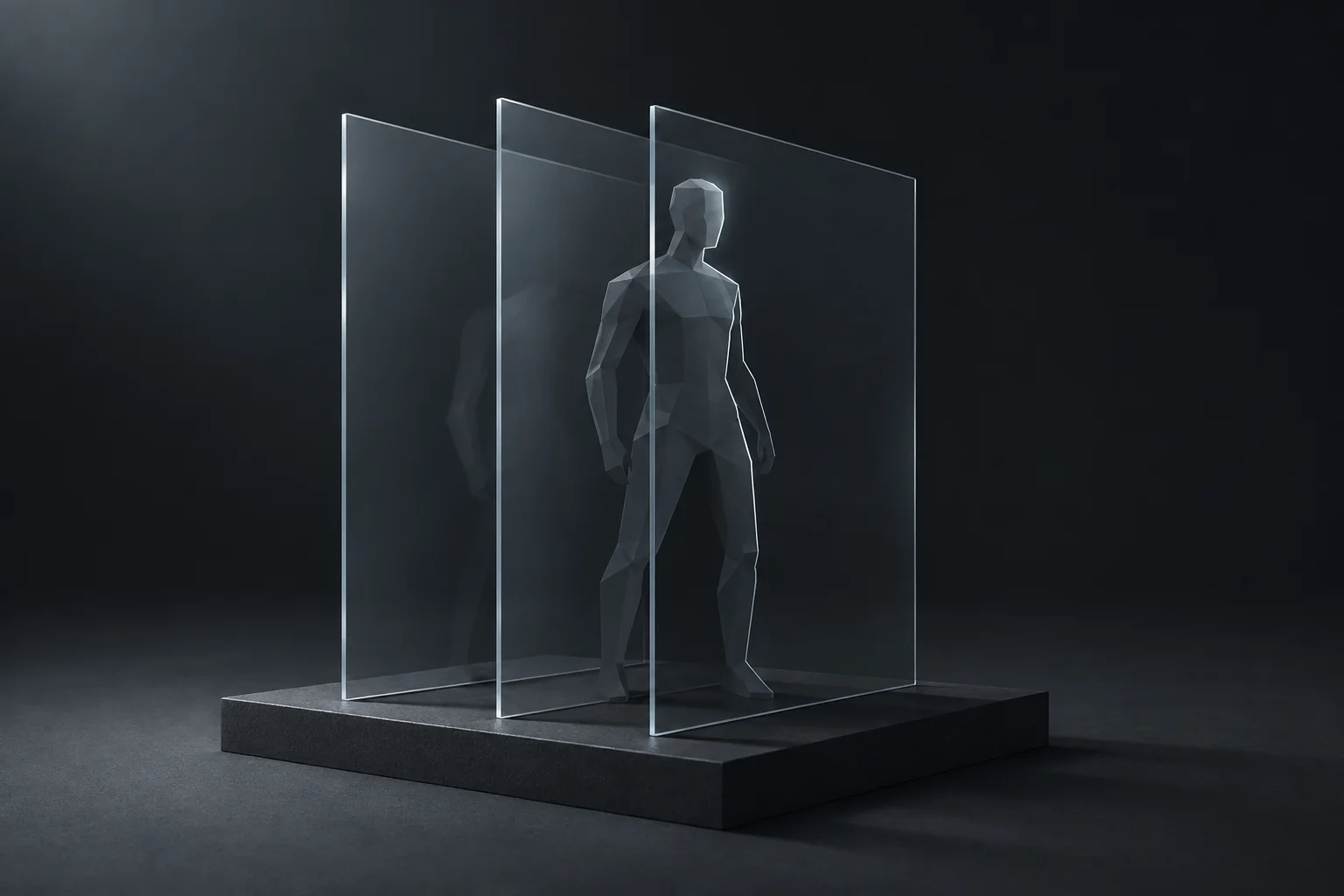
In gaming software, ESP usually describes extra information displayed around players or objects: boxes, skeleton lines, health, names or distance. Wallhack is a less precise label, often used for information about players obscured by the environment. The words overlap in storefront copy, but they do not specify the same set of features.
A useful comparison starts with what is actually drawn, when it is shown and which controls you can change. The label alone will not tell you whether a product includes health bars, separate team colors, range limits or any particular visibility behavior.
Break the feature into visible elements
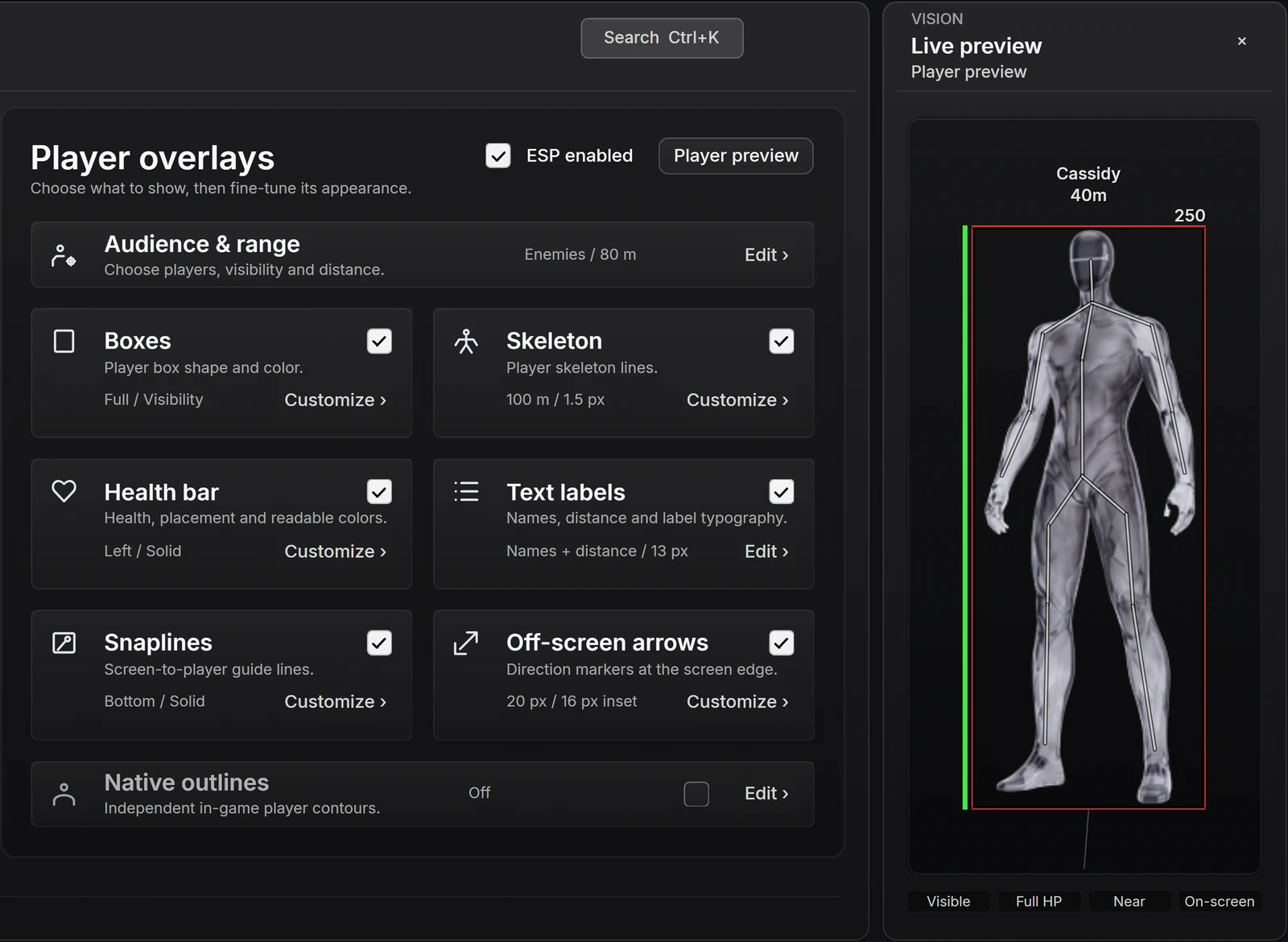
A box provides a simple frame around a player. Skeleton lines emphasize pose and body structure. A health bar displays a changing value visually, while names and distance add text. These elements answer different questions and can be useful in different combinations. A longer list of available elements does not automatically make a clearer display.
Check whether the elements can be enabled individually. If the only option is an all-or-nothing overlay, you have less room to simplify it. An interface that separates shape, text, color and range lets you inspect the information you actually want to see.
Scroll to compare
| Element | Information it emphasizes | Useful control to look for |
|---|---|---|
| Box | A player's overall frame | Style, fill and line weight |
| Skeleton | Body pose and joints | Line weight, color and range |
| Health bar | Remaining health | Placement and readable colors |
| Text labels | Names, hero or distance information | Content selection, size and contrast |
Visibility is a separate question
An overlay element does not establish its visibility rules. A box shown around a sample figure tells you what the box looks like. It does not establish whether that box appears at every distance, through every obstruction or in every game mode. Those are separate product questions.
Keep visual information and aim eligibility separate as well. Seeing an indicator does not imply that an aiming feature can act on its subject. In shatter's current Combat interface, visible-target eligibility is explicitly required. The Vision page has its own presentation and filter controls; changing a visual preference does not turn it into a targeting rule.
This distinction is especially important when reading broad marketing labels. All ESP, complete wallhack and full visibility can hide several unanswered questions. A precise feature description names the information, the supported context and the available controls.
What the player preview is good at showing
shatter's Vision interface lets you inspect player boxes, skeletons, health and text labels beside a sample figure. You can compare line weight, color, fill and label size without relying on a gallery of unrelated screenshots. That is useful evidence of the interface and its customization options.
The figure remains a sample. It is not a live Overwatch scene and does not demonstrate visibility through map geometry or support for a particular match condition. For those questions, look for the current release description and real product media when available. Keep the role of each kind of evidence clear.
Ask questions a feature list can answer
Instead of asking only whether a product has ESP, ask which player information is shown and how it can be filtered. Then check whether individual labels and shapes can be adjusted. A range control, a text-size option or a clear distinction between team colors can make a more practical difference than another vague headline.
For shatter, use the product page as the current availability reference. Advanced outline work and other development controls are not automatically included merely because a related interface exists. This guide explains the terminology and visible settings; the released feature list defines what access includes.
- Which player elements are included, and can each be disabled?
- Which team, visibility and distance filters are available?
- Can text, lines and health information be read independently?
- Does the evidence show a sample interface or actual released gameplay?
Common questions
Does ESP always mean information through walls?
No. ESP is a broad term for additional visual information. The product must state its visibility behavior separately; boxes or labels alone do not establish it.
Does a player-preview image prove gameplay support?
It shows the interface and sample appearance. It cannot establish a game's visibility, range or mode behavior without an actual supported game session.
Sources & further reading
Continue reading
Follow the next part of your setup.
 Interface preview
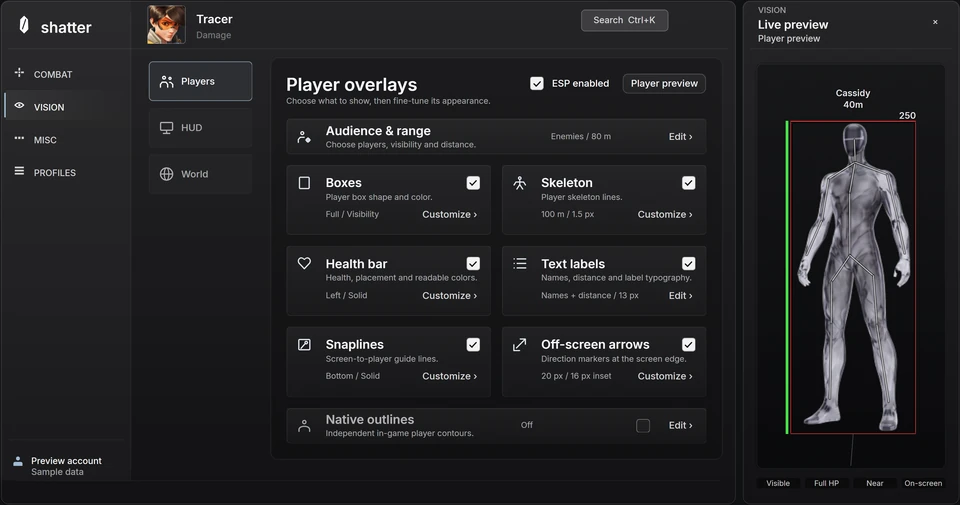
Overwatch ESP settings: build a display you can read
Use information hierarchy, line weight, label size and distance limits to make player visuals clearer without enabling every element.
 Interface preview
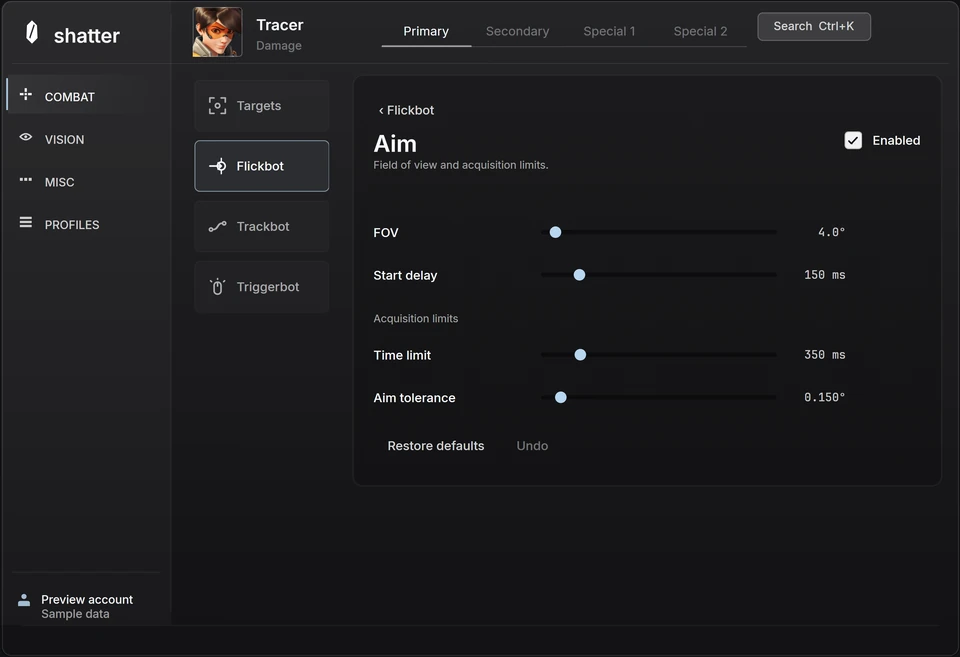
Inside the Overwatch interface
A closer look at shatter's aim controls, player ESP and hero profiles, with a practical way to explore the interactive menu.
 Concept illustration
Buying Overwatch cheats: features, status and access terms
A practical checklist for comparing product evidence, current availability, supported systems, payment terms and support before buying.