Aim explained
Hitscan vs projectile in Overwatch aim settings
Why travel time, charging and alternate attacks matter when reading a hero configuration, without relying on a universal preset.
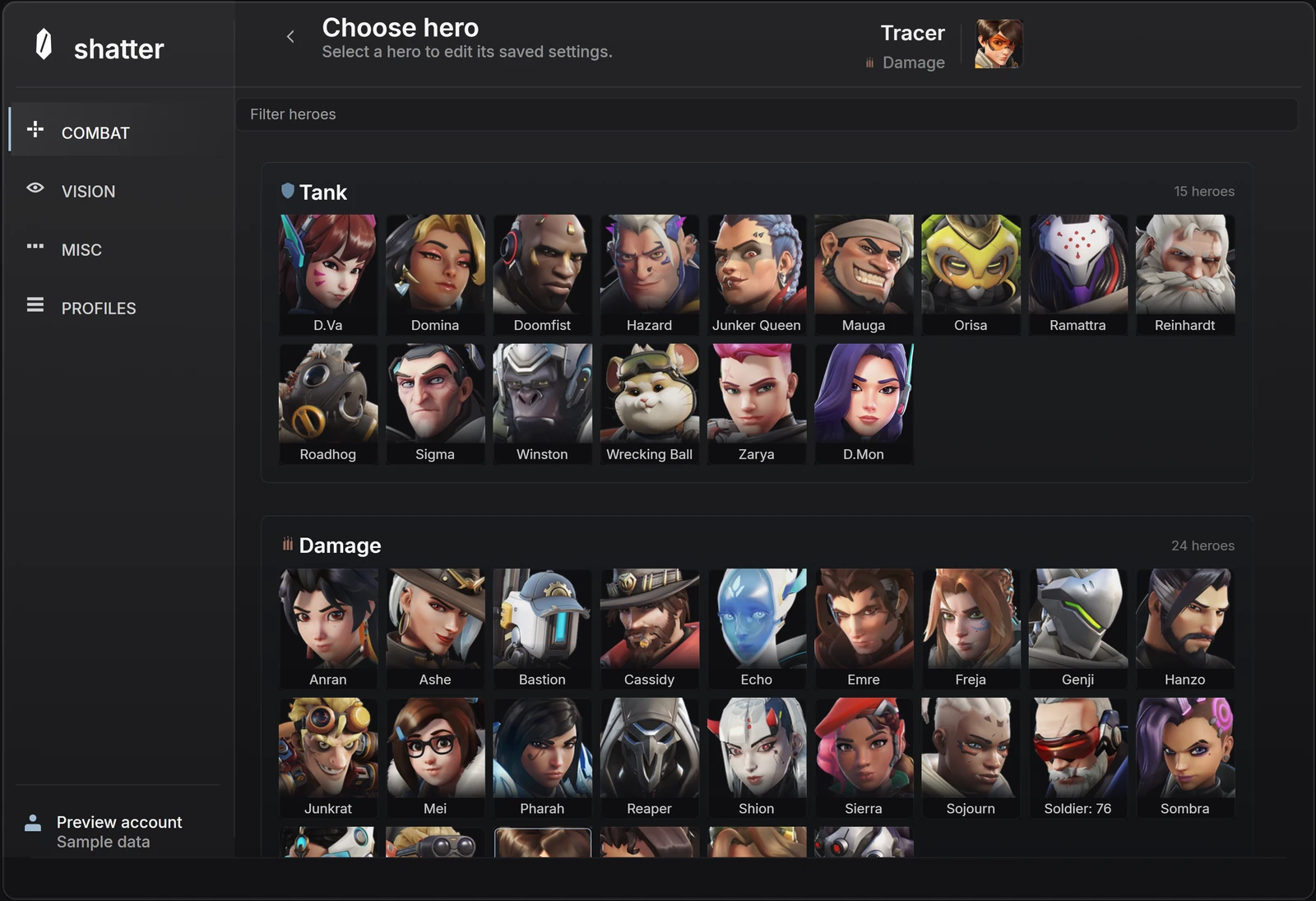
Hitscan and projectile describe how a shot behaves. A hitscan shot checks its line when it is fired. A projectile travels through the world and arrives later. That travel time changes the relationship between the target's position when you aim and its position when the shot arrives.
For Overwatch settings, the practical consequence is simple: a hero name is not a complete configuration. You also need the attack, its firing behavior and the game mode. A primary weapon and a secondary ability can need different consideration within the same hero.
Travel time changes the question
With a travelling projectile, the target may move between release and arrival. Distance and direction changes therefore matter when reasoning about the shot. A close target and a distant target are not equivalent simply because both appear near the crosshair. The same is true of a target moving steadily and one that changes direction.
Hitscan does not have that same projectile flight. It still has other constraints: the aim direction, the weapon's firing rules and the game state all matter. The word instant describes the shot model, not a promise that every input, animation or result is displayed with zero delay.
Scroll to compare
| Concept | What changes | What it does not tell you |
|---|---|---|
| Hitscan | The shot checks a line at firing | The movement style or activation binding |
| Projectile | The shot travels before reaching its destination | A universal lead amount for every shot |
| Charged attack | Holding or building charge changes the firing action | Whether every other attack shares that behavior |
| Flick or tracking | How aim moves toward or follows the subject | Whether the weapon is hitscan or projectile |
One hero can contain several different actions
Soldier: 76 is a useful example of why action names matter: Blizzard lists Heavy Pulse Rifle and Helix Rockets separately. Hanzo's page describes holding Storm Bow to charge before releasing arrows, while Storm Arrows is a separate ability. You cannot describe all of those actions accurately with a single phrase such as automatic weapon.
When a menu offers Primary, Secondary or other action slots, check the selected slot before changing values. A setting may be saved in one context without being relevant in another. A value remaining visible is not proof that the selected action uses it.
Charge timing and travel time are separate
Charging concerns what happens before release. Projectile travel concerns what happens after it. Combining both ideas into a single delay can obscure the actual question. Are you describing when the shot can be released, how it moves afterward, or how your aim moves before either event?
This is also why a screenshot of a charge percentage is incomplete advice. It needs the named weapon action and the current game context. Read the product's supported-action description rather than assuming that a general firing option applies to every charge, channel or alternate attack.
Check the patch and the mode
Blizzard publishes balance changes and fixes in its patch notes. Weapon behavior can change without you editing a profile. If a familiar configuration feels different after an update, first establish whether the game changed before treating the saved values as the only possible explanation.
Mode matters too. Blizzard's Stadium documentation describes Powers and items that can alter how heroes play. An explanation written for one set of attacks should not silently become advice for every mode or variant. Product support for a mode must be stated, not inferred from the presence of the hero's portrait.
Keep the context with the profile
A short configuration note is more useful when it names the hero, attack, mode, movement style and reason for the change. For example, comparing the response for an automatic primary action is a specific question. Best settings for everything is not. Keep an unchanged baseline so a later comparison has a clear reference.
The shatter menu lets you inspect hero and action organization before purchase. It is a sample interface, not a projectile simulator. Use it to understand the controls; use the current product page to establish supported features and availability.
- Record the exact hero and attack, not only the character name.
- Separate charging, release, flight and aim movement in your notes.
- Check the relevant game mode and recent official patch notes.
- Keep a dated baseline instead of replacing every saved setup at once.
Common questions
Can one hero have different weapon behaviors?
Yes. Read the exact attack or ability. An automatic primary weapon, a rocket and a charged attack should not be assumed to share the same behavior because they belong to one hero.
Does a hero appearing in the selector confirm support for every mode?
No. The selector identifies an editing context. The released feature list must establish which actions and modes are supported.
Sources & further reading
Continue reading
Follow the next part of your setup.
 Concept illustration
Flickbot vs tracking in Overwatch: what changes?
Compare a single aim movement with sustained following, then separate movement style, activation and firing behavior.
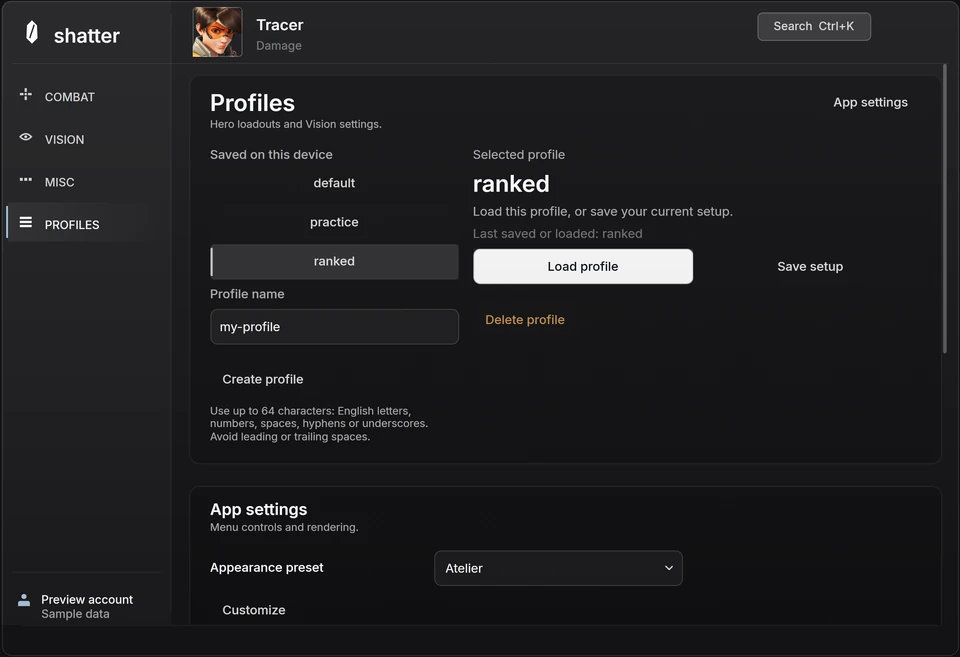 Interface preview
Overwatch hero profiles: save a setup you can return to
Understand hero selection, action-specific controls and named profiles, then make experiments easy to compare and undo.
 Concept illustration
Buying Overwatch cheats: features, status and access terms
A practical checklist for comparing product evidence, current availability, supported systems, payment terms and support before buying.