Aim explained
Flickbot vs tracking in Overwatch: what changes?
Compare a single aim movement with sustained following, then separate movement style, activation and firing behavior.
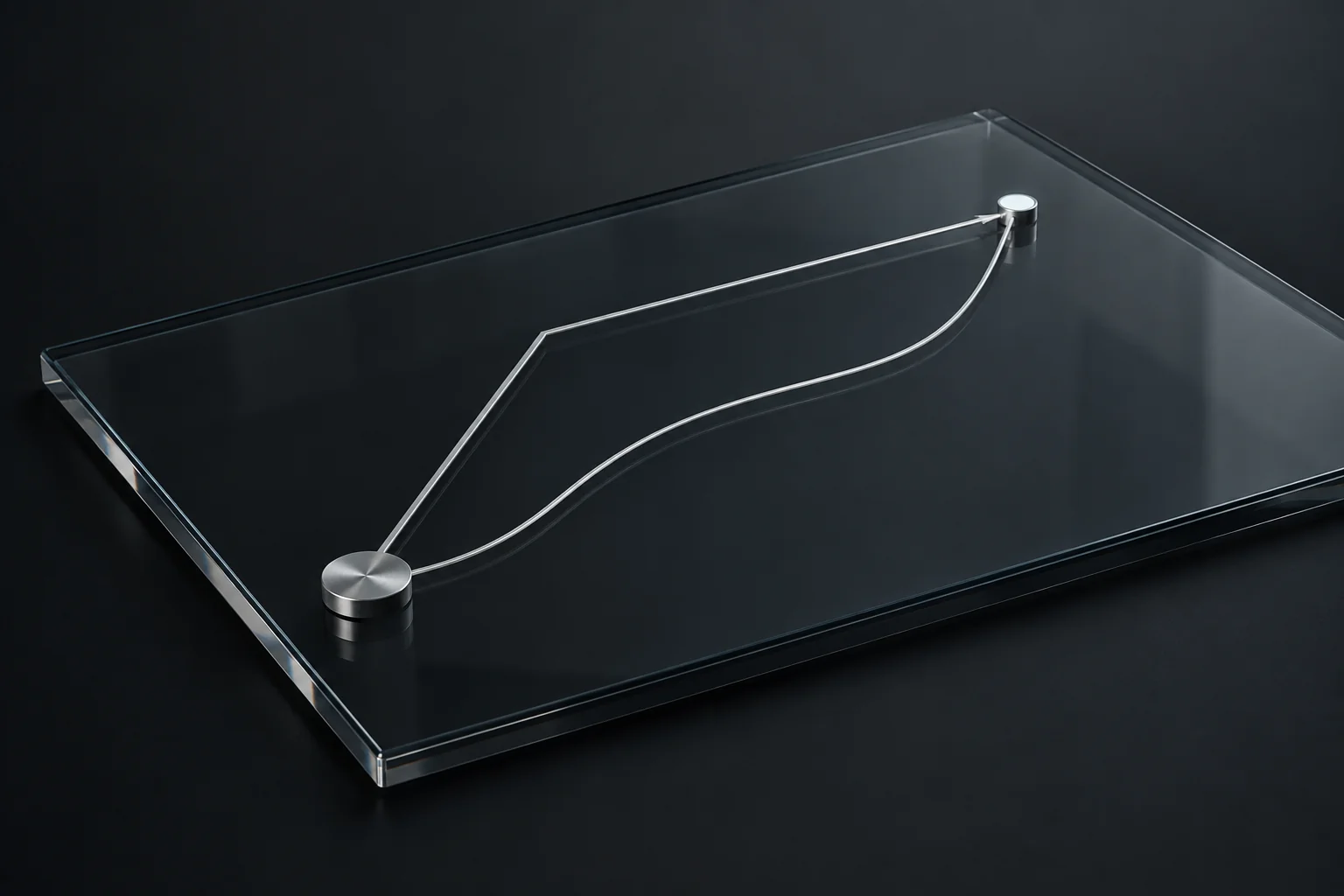
A flick is a discrete movement toward an aim point. Tracking follows a target over time. In an aimbot interface, flickbot and trackbot describe those different jobs; they are not simply weaker and stronger versions of the same setting.
The distinction is useful in Overwatch because weapon actions vary. A short burst, a charged shot and sustained automatic fire involve different timing. Understanding that timing makes the menu easier to read, even before you choose any values.
Compare the job each behavior is doing
A flick has an approach and a finishing point. The important questions include when the movement starts, how it travels and when that action ends. Tracking is continuous while its conditions remain active. Its questions include how following responds to movement and when the selected target should be retained or changed.
Neither word tells you everything about speed. A flick can have a shaped movement rather than an immediate snap. Tracking can use a smoother response or a more abrupt movement mode. That is why the movement style and timing controls deserve a closer look than the module name alone.
Scroll to compare
| Question | Flick behavior | Tracking behavior |
|---|---|---|
| What is the main task? | Move toward a chosen aim point | Follow a target as it moves |
| What timing matters? | Start, movement and completion | Start, ongoing response and retention |
| Does the name specify speed? | No; inspect the movement mode | No; inspect response and movement mode |
| Is firing automatic by definition? | No; inspect firing separately | No; inspect firing separately |
Think about the action, not just the hero
Blizzard describes Tracer's Pulse Pistols as short-range automatic weapons. Hanzo's Storm Bow is charged before releasing an arrow. Those examples help explain why continuous following and a distinct movement around a shot are different concepts. They do not establish a universal preset for either hero.
A hero can also have more than one kind of attack. Soldier: 76 has an automatic rifle and explosive rockets. The hero name alone therefore leaves out an important detail: which attack or ability are you describing? Keep the action visible when comparing a configuration or asking a support question.
Hitscan and projectile are another distinction entirely. They describe shot behavior, not whether the crosshair makes a flick or follows over time. A projectile can be aimed with a quick movement, and a hitscan weapon can be used with sustained tracking. Avoid treating the two pairs of terms as interchangeable.
Separate activation from firing
An activation binding tells a module when to run. Hold, Toggle and Always describe different input behavior. They do not, by themselves, tell you when a weapon fires. A separate firing preference may exist, and its availability can depend on the selected action.
For example, holding an activation key and choosing a continuous following mode are two separate decisions. One describes your input; the other describes motion. Reading both makes it much easier to understand why a module remains active or why releasing a key changes its state.
When comparing two configurations, keep the activation mode the same. Otherwise a change in when the module runs can be mistaken for a change in how it moves. The same applies to automatic firing: leave it out of the comparison until the movement behavior is clear.
How to read the shatter controls
The Combat interface groups Flickbot controls into Activation, Aim, Motion and Firing. Trackbot includes an Aim & retention area, reflecting the need to keep or switch an existing target. Their motion editors are separate, while the current setup shares aim FOV within the selected hero and action context.
Use that layout as a way to compare concepts. Inspect the movement options, then the activation binding, then the targeting area. The browser preview shows sample controls; actual released behavior and supported actions belong to the product's current feature list. A visible development switch is not enough to establish support.
- Name the hero and exact action you are comparing.
- Identify whether the task is a discrete movement or sustained following.
- Read movement mode and activation mode separately.
- Check target retention and firing preferences only after the basic behavior is clear.
Common questions
Does flickbot always mean an instant snap?
No. Flick describes a discrete aim action. Its movement mode and timing determine how that action travels toward its aim point.
Is tracking only for hitscan weapons?
No. Tracking describes following a target, while hitscan and projectile describe the weapon's shot behavior. They answer different questions.
Sources & further reading
Continue reading
Follow the next part of your setup.
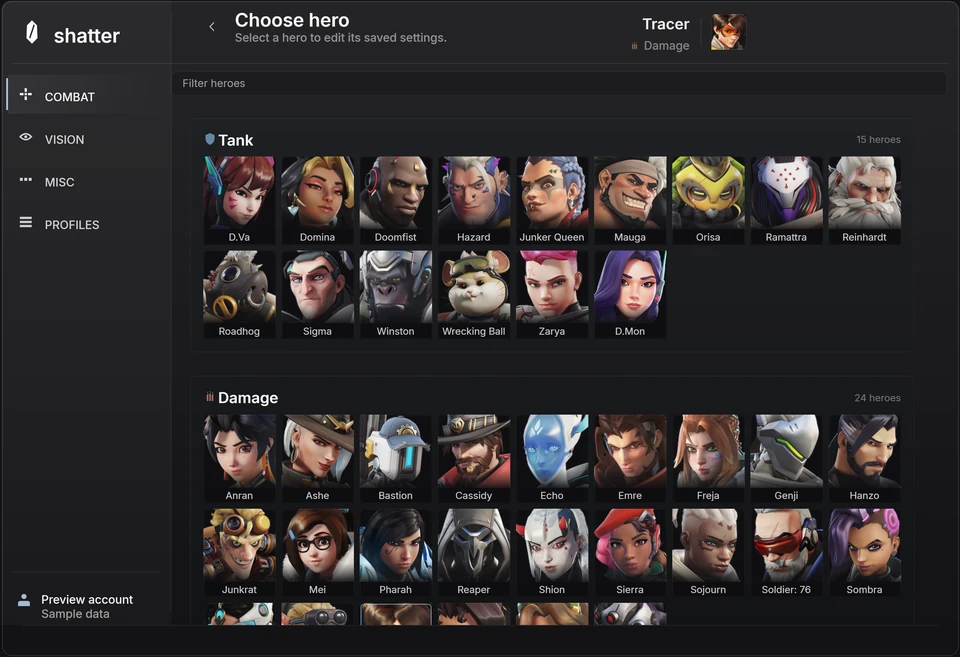 Interface preview
Hitscan vs projectile in Overwatch aim settings
Why travel time, charging and alternate attacks matter when reading a hero configuration, without relying on a universal preset.
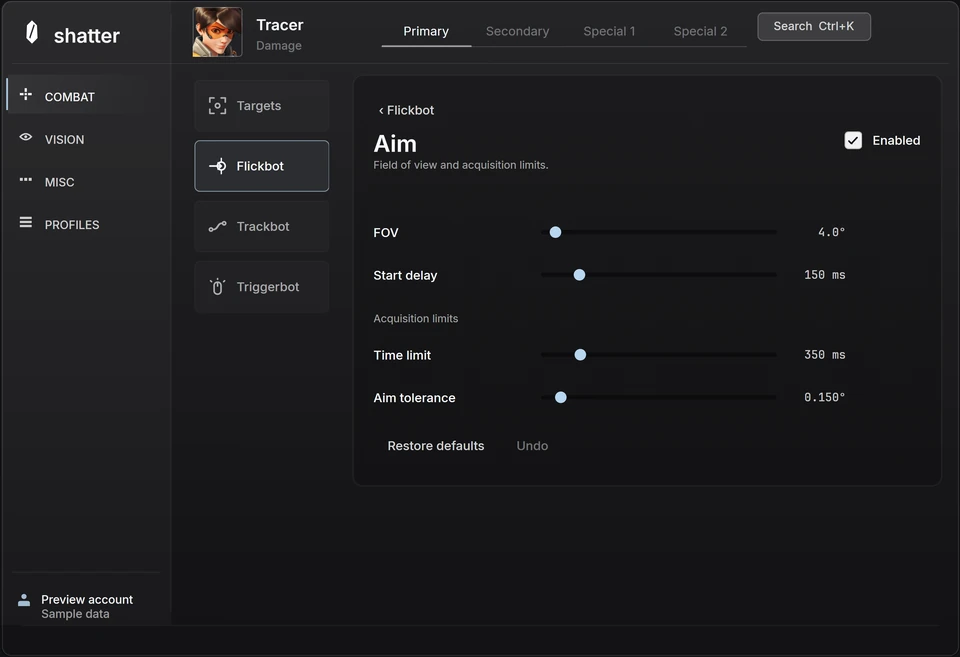 Interface preview
Overwatch aim smoothing: response, speed and timing
Separate smoothing from maximum speed, acceleration and reaction delay so each adjustment has a clear purpose.
Interface previewOverwatch aimbot FOV: understand the targeting area
What aim FOV changes, how it differs from camera FOV, and how distance, target priority and hitbox selection fit together.