Target selection
Overwatch aimbot target priority: angle, distance or health?
Compare Smallest angle, Closest distance and Lowest health % with a three-player example. Understand target selection, hitbox priority and tracking retention.
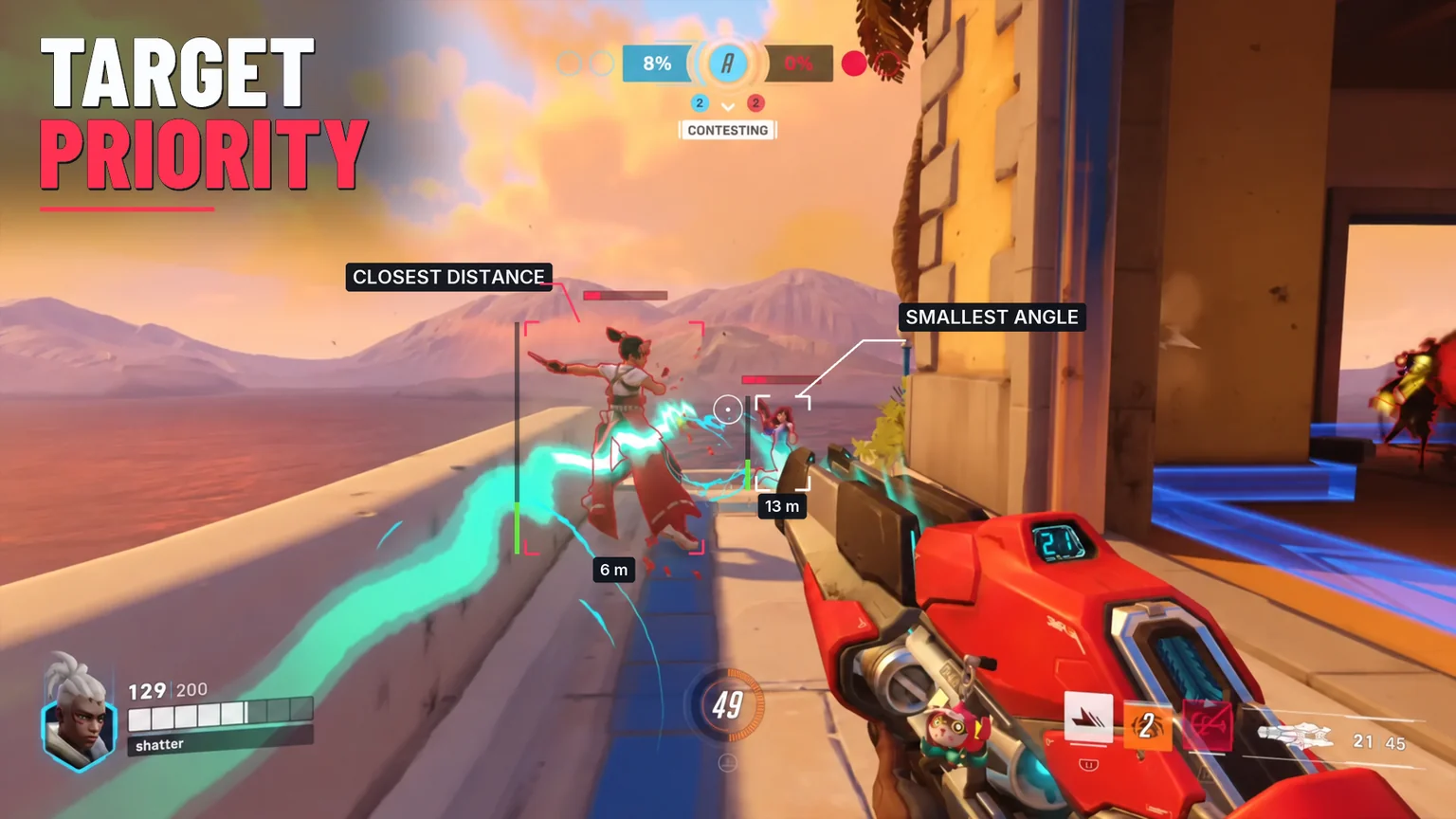
Target priority decides which eligible player an Overwatch aimbot prefers. Smallest angle favors the player closest to your crosshair direction. Closest distance favors the nearest player in the world. Lowest health % favors the lowest proportion of remaining health. These can select three different players from the same scene.
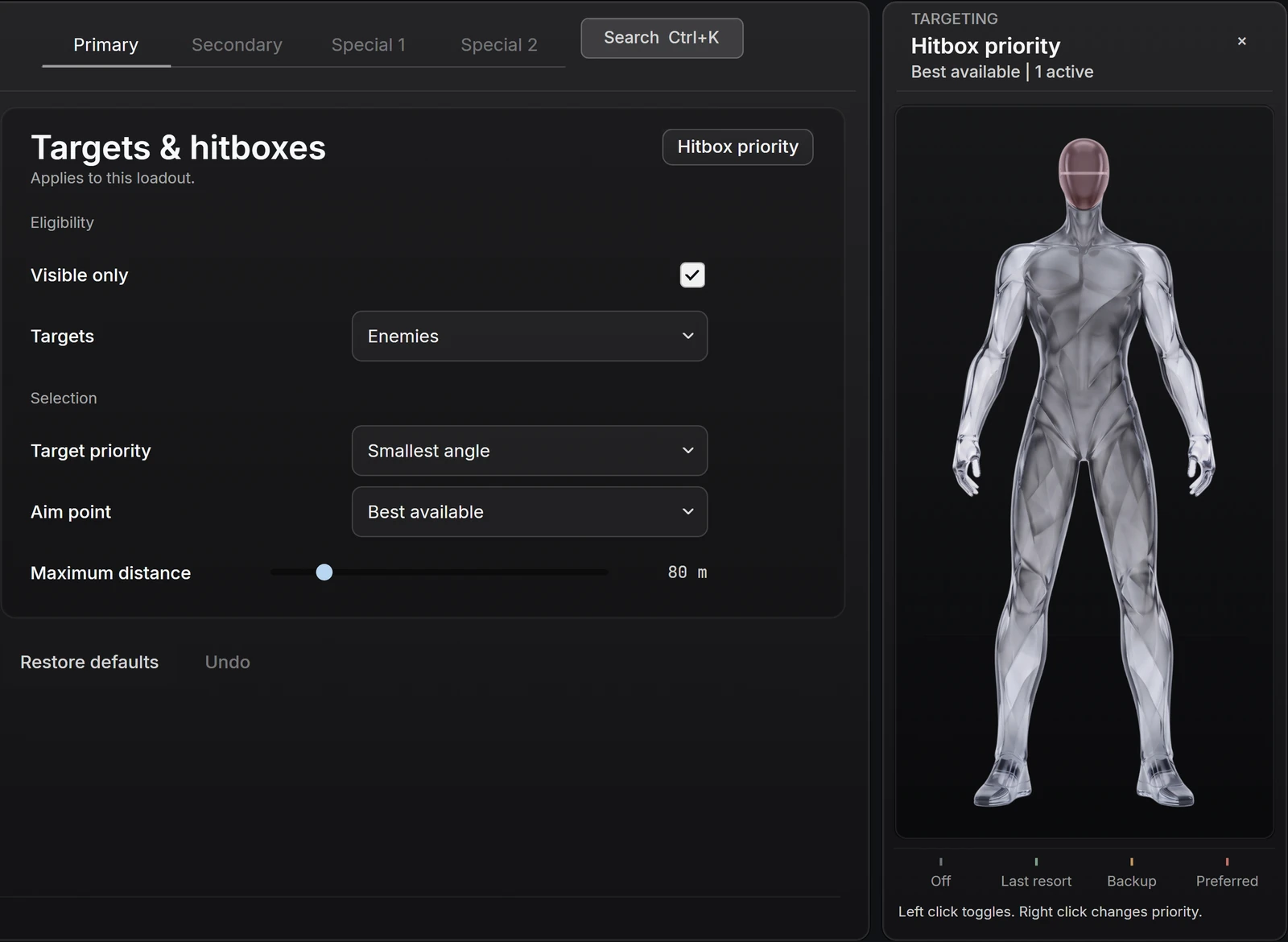
In shatter’s Overwatch targeting controls, you can inspect all three choices under Combat → Targets. FOV, distance and visibility determine who qualifies first; priority chooses among those candidates. Keeping those jobs separate makes the setting much easier to understand.
One scene, three different choices
Imagine three eligible enemies: A is 2° from the crosshair at 30 metres with 80% health; B is 4° away at 15 metres with 60% health; C is 6° away at 25 metres with 20% health. Assume every player passes the same targeting filters. This example isolates priority, so movement and other conditions are held constant.
Smallest angle selects A, Closest distance selects B, and Lowest health % selects C. None of those settings means the best player to attack in every situation. They answer different questions. A nearby player can be farther from your crosshair, and the lowest-health player can require the largest aim movement.
Scroll to compare
| Priority | Example selection | Reason |
|---|---|---|
| Smallest angle | A: 2°, 30m, 80% health | Smallest angle from the current aim direction |
| Closest distance | B: 4°, 15m, 60% health | Shortest world distance |
| Lowest health % | C: 6°, 25m, 20% health | Lowest remaining health proportion |
Why the lowest-health player may still be ignored
Priority does not bypass the eligibility controls. In the same example, an aim FOV of 4° excludes C at 6°. Lowest health % then prefers B over A, because C is outside the permitted area. A maximum distance of 20 metres would also leave B as the only candidate in this simplified scene.
Before changing priority, check the aimbot FOV and maximum-distance settings. If a player is filtered out, choosing a different ranking rule cannot bring that player back. Likewise, changing the visual ESP range does not automatically change the aim range.
Health percentage also differs from raw health points. A player at 100 of 500 health has 20% remaining, while a player at 80 of 200 has 40%. Lowest health % prefers the first of those two eligible players even though the second has fewer absolute health points.
Target priority chooses a player; hitbox priority chooses an aim region
Target priority and hitbox priority are separate controls. The first ranks players. The second concerns the body regions considered on the chosen player. Choosing Head as Preferred does not mean the player nearest to your crosshair will automatically win target selection.
Open Hitbox priority to inspect the regions and their groups. With Best available, the menu describes Preferred, Backup and Last resort as an ordered fallback. Varied uses the configured groups differently. Set the player-selection rule first, then inspect the aim-point choices rather than changing both and guessing which caused a difference.
Why tracking can stay on the current target
Target priority is not the whole tracking policy. Trackbot → Aim & retention also has a Target control: Stay on target, Switch when better or Follow best. These choices govern retention and switching, so a tracking setup can keep its current target instead of immediately following whichever player has just become the highest-ranked candidate.
If your concern is switching between nearby players, inspect that Target control before repeatedly changing FOV or smoothing. FOV determines eligibility, priority ranks candidates, retention governs continued selection, and motion controls how aim follows the result. A smoother movement does not itself choose a different ranking rule.
The flickbot versus tracking comparison explains why a discrete flick and continuous tracking need different movement decisions.
Common questions
What is the best target priority for an Overwatch aimbot?
There is no universal choice. Smallest angle favors proximity to your crosshair direction, Closest distance favors world distance, and Lowest health % favors the lowest remaining health proportion. Choose the criterion you actually want, then check eligibility and tracking retention separately.
Is Smallest angle the same as Closest distance?
No. A distant player can be directly beside your crosshair, while a nearby player is farther to one side. Angle and world distance measure different things.
Does Lowest health % ignore FOV?
No. It ranks eligible candidates; it does not override the aim FOV, maximum distance or other eligibility conditions.
Why does Trackbot not immediately switch to a better target?
Inspect Trackbot’s Target retention setting. Stay on target, Switch when better and Follow best concern continued selection, separately from the target-priority ranking.
Sources & further reading
Continue reading
Follow the next part of your setup.
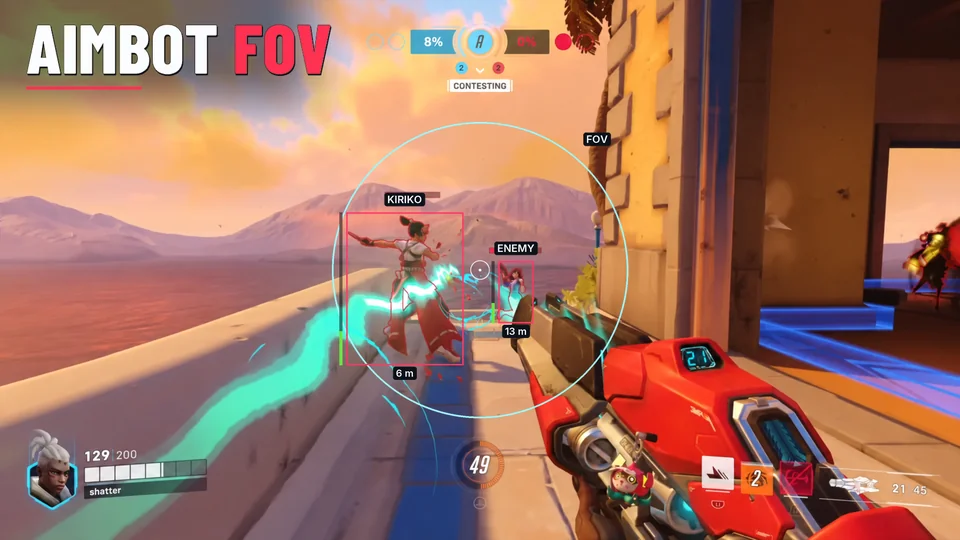
Overwatch aimbot FOV: small vs large targeting areas
Learn what aimbot FOV means in Overwatch, how small and large targeting areas differ, and how distance, target priority and hitboxes affect selection.
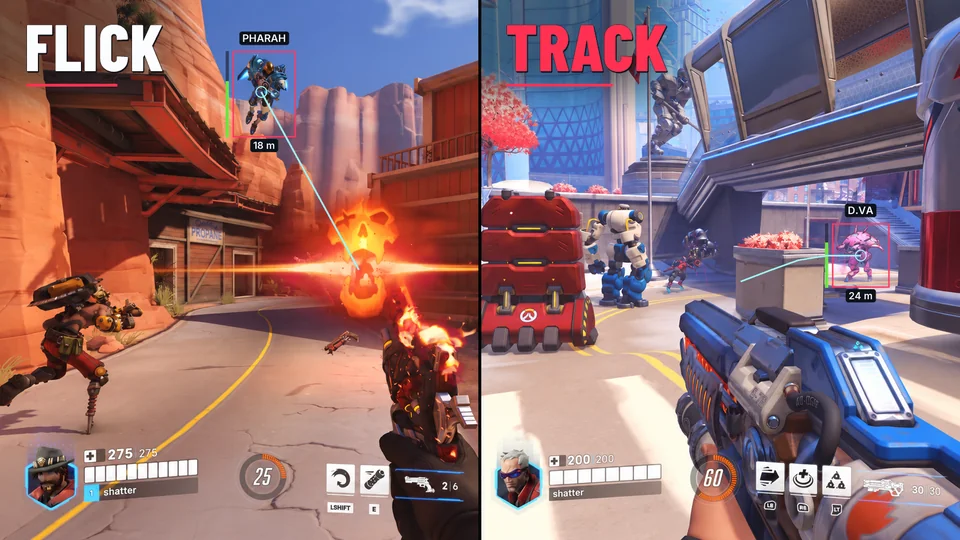
Flickbot vs tracking aimbot in Overwatch
Compare flickbot, tracking aimbot and triggerbot in plain English, with Overwatch weapon examples and the settings that separate aiming from firing.
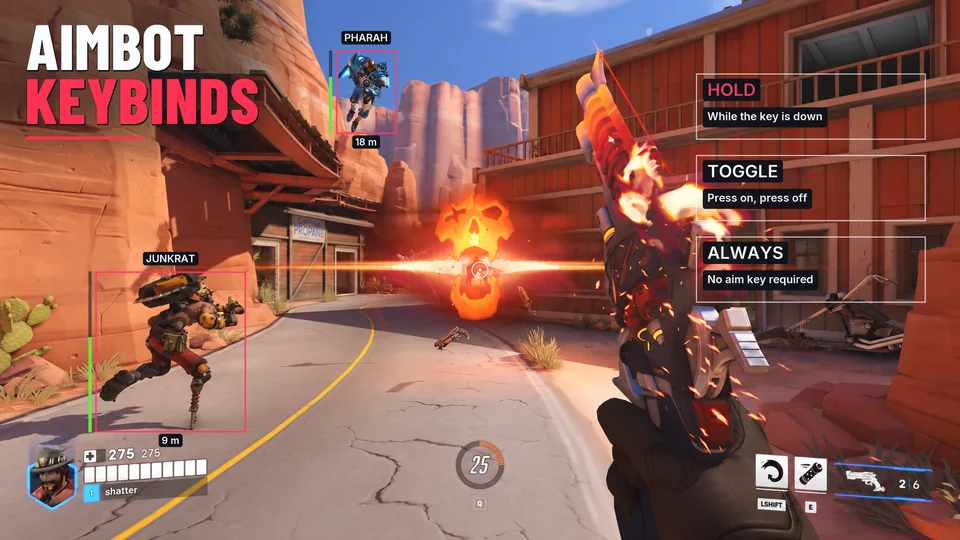
Overwatch aimbot keybinds: Hold, Toggle and Always explained
Set up Overwatch aim activation without confusing the aim key, menu hotkey and panic key. Compare Hold, Toggle and Always, then troubleshoot unexpected behavior.